Remove Duplicate Lines
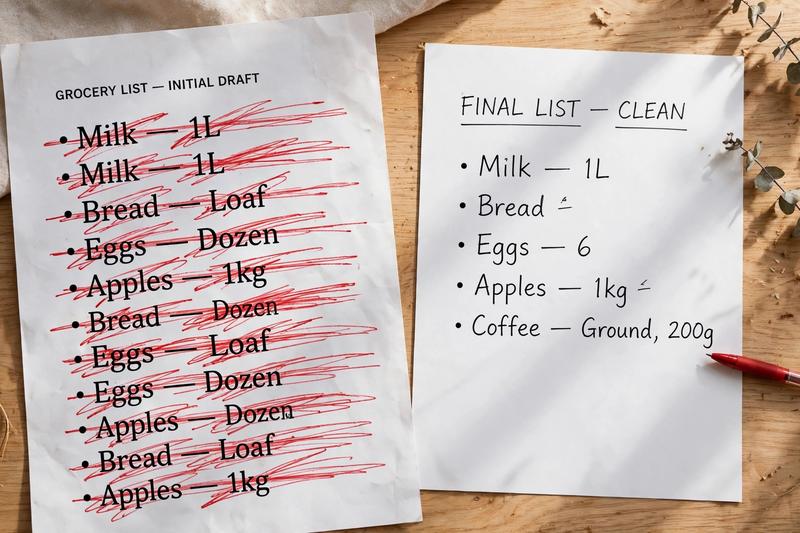
Clean a list down to unique lines — emails, names, log lines, anything. The result updates live as you type. Everything happens in your browser; nothing is uploaded or stored.
Your list
Paste a list with one item per line.
Unique lines
Removed lines
How this tool works
Matching. Two lines count as the same when their text matches under the settings you chose. With “Case-sensitive” on, “Apple” and “apple” are different lines; with it off, they are the same. With “Trim” on, spaces at the start and end of a line are ignored when matching (and trimmed in the output); with it off, “ apple” and “apple” are different lines. Lines that contain only spaces follow the trim setting too.
Keep first / keep last. “Keep the first occurrence” keeps the line where it first appeared and drops later copies. “Keep the last occurrence” keeps the line where it last appeared, in the order of those last appearances.
Sort A–Z. Sorts the unique lines alphabetically after removing duplicates.
Removed lines. Every dropped copy is listed under “Removed lines”, so you can check nothing you needed was lost.
Privacy. Everything happens in your browser. Your list is never uploaded, stored or shared.
Limits. Very large pastes (100,000+ lines) may be slow on low-end phones; this tool warns above 50,000 lines.