QR Code Generator
Make a QR code for a link, WiFi password, contact, email, phone number or plain text. It updates live as you type, and everything stays in your browser.
What should the code say?
Look and size
These two colours are too close together — the code may be hard to scan. Pick a darker code colour or a lighter background.
That logo is large for the code. It is shown at a safe small size; a bigger logo could stop the code scanning.
Your QR code
Type something on the left and your QR code appears here, live.
Make many codes at once (batch)
Paste one item per line — one URL or one piece of text per line. Each line becomes its own QR code.
Check a code by scanning it back
Upload a QR code image, or scan one with your camera, and this tool reads it back and tells you whether it matches what you typed.
Your history on this device
Only you can see this — it is saved in your own browser, never uploaded.
How this tool works
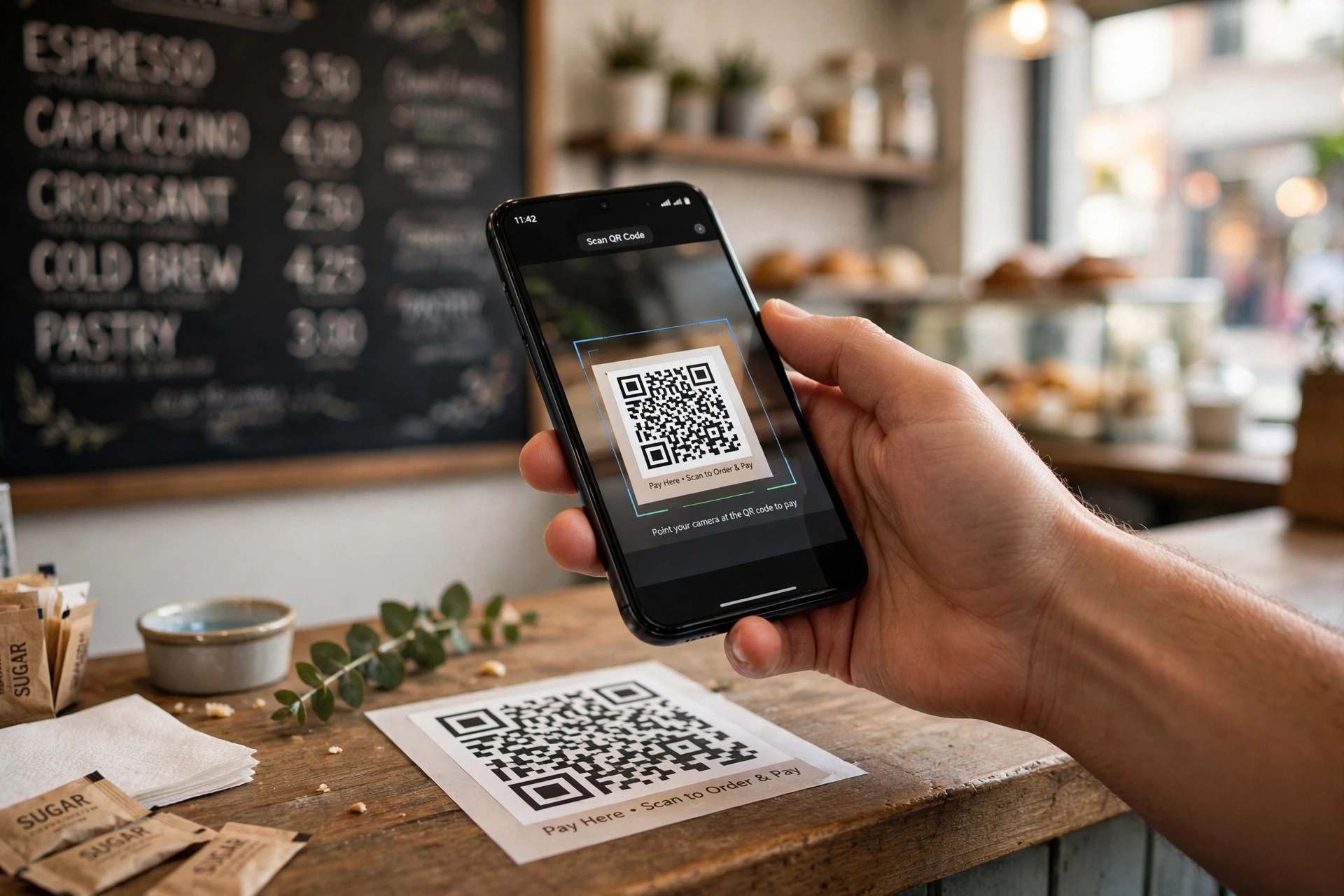
What it does. A QR code is a square barcode a phone camera can read. This tool turns a web address, a WiFi password, a contact card, an email, a phone number, an SMS or plain text into that square — instantly, in your browser.
WiFi codes. A WiFi QR code lets guests join your network by pointing their camera at it — no typing the password. It only carries the network name, security type and password you typed; nothing is sent anywhere.
vCard codes. A vCard code carries a contact. When someone scans it, their phone offers to save the person — name, phone, email and organisation.
Scanning tips. Very long text makes a dense code that is harder to scan — keep codes short where you can. Dark code on a light background scans best. A logo in the middle is fine if it stays small. High error correction (H) is best for printed codes that might get scratched or dirty.
Privacy. All processing happens in your browser. No input, file or result is uploaded, stored or shared. The only thing saved is your own history list on your own device, which you can clear at any time.
Limits. Extremely long content can be too dense to scan reliably, and a logo that is too large can break scanning. If a code will not scan, try a shorter text, higher error correction, or remove the logo.