PDF Merger
Combine PDF files into one — reorder, pick page ranges, rotate pages. Nothing is uploaded or stored.
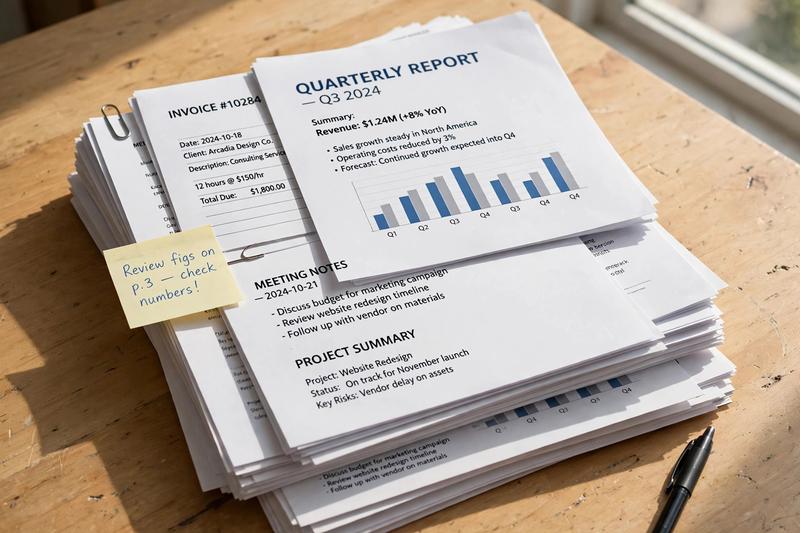
Files
Up to 20 files, each under 20 MB.
Add at least one PDF file.
How it works
Local only. Your PDFs are read and merged in your browser. No file content leaves the browser.
Order. The merged file follows the list order, top to bottom. Use the up/down buttons or drag a file to move it.
Page ranges. Leave the range blank for the whole file, or type pages like 1-3,5 — page numbers start at 1.
Rotation. Rotate a file's pages by 0°, 90°, 180° or 270° before merging.
What merges. Standard PDFs merge, including files made by this site's own Resume and Invoice tools and most PDFs from browsers and office apps. Encrypted (password-protected) PDFs are rejected, and a file whose structure cannot be read is rejected with a message naming the file.
How this tool works
Local only. All processing happens in your browser with a built-in PDF reader and writer — no server, no library download.
Verification. After merging, the tool counts the output pages and shows whether they match the sum of the inputs (or the selected ranges).
Limits. Up to 20 files, each under 20 MB. Very large PDFs may be slow on low-end phones.