Character Counter
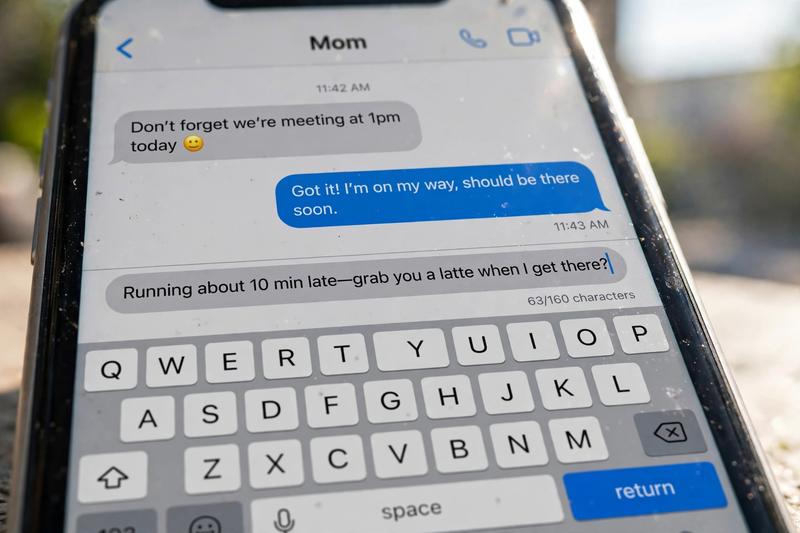
Count characters as you type — total, without spaces, without punctuation — with a line count, per-line counts and limit presets for SMS, tweets and meta descriptions. Everything happens in your browser; nothing is uploaded or stored.
Your text
Paste or type some text to count it.
Limit must be a positive number.
Counts
- Total characters
- 0
- Without spaces
- 0
- Without punctuation
- 0
- Without spaces or punctuation
- 0
- Lines
- 0
- Remaining
- —
Per-line counts
How this tool works
Counting. Characters are counted as Unicode code points — so an emoji counts as one character, not two. Spaces include ordinary spaces, tabs and new lines. “Without punctuation” removes punctuation marks (commas, full stops, question marks and the like) but keeps letters, numbers and emoji.
Limit. Set a limit yourself, or pick a preset: SMS (160), tweet / X post (280) or meta description (160). The remaining count drops as you type; the warning appears the moment you pass the limit — at limit + 1.
Privacy. Counting happens entirely in your browser. Your text is never uploaded, stored or shared.
Limits. Some platforms count an emoji as 2 characters; this tool counts code points and says so. If the platform you are writing for counts differently, its own counter is the one that decides.