Base64 Encoder / Decoder
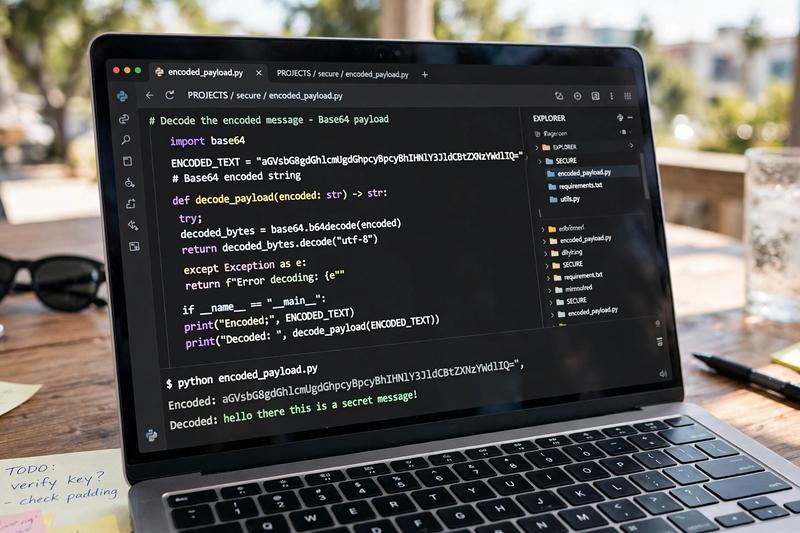
Text to Base64 and back, with correct Unicode handling — Urdu, emoji and all. URL-safe mode, padding control, byte lengths shown, and small files to Base64. Base64 is encoding, not encryption — anyone can decode it, so never use it to hide a password or a secret. Everything happens in your browser; nothing is uploaded or stored.
Encode or decode
Enter some text or Base64.
Result
Enter some text or Base64 and press Encode / Decode.
How this tool works
Encoding. The text is first turned into UTF-8 bytes, then those bytes are written as Base64 — so Urdu, Arabic, Chinese and emoji all round-trip exactly, with no mojibake.
URL-safe. Replaces + with - and / with _, the form that can sit safely inside a web address. Decoding accepts both forms, with or without padding.
Padding. Base64 normally ends with one or two = signs to fill the last group. Stripping them is common in URLs and tokens; the decoder adds missing padding back itself.
Files. A file up to 5 MB is read in your browser and encoded to Base64. Larger files are refused, because the whole result would have to sit in memory.
Privacy. Calculation happens entirely in your browser. Nothing is uploaded, stored or shared.
Limits. Base64 is encoding, not encryption — it does not protect anything.